
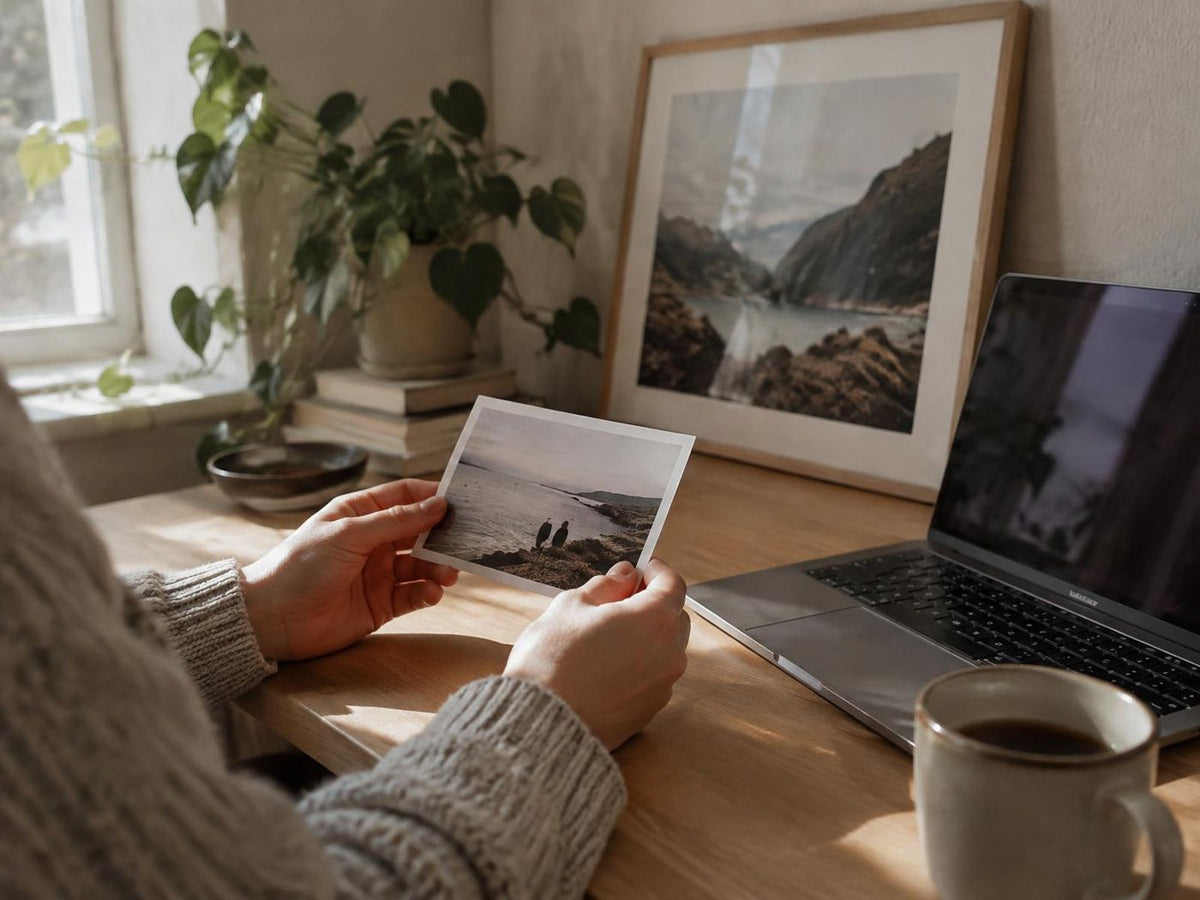
A good photo poster starts with the original image file. A photograph can look sharp on a small phone screen yet reveal blur when enlarged. Before choosing a size, check the file, the crop and the details that matter most to you.
Use the original file
Whenever possible, upload the camera original rather than a screenshot or an image saved from a messaging app. Shared copies are often compressed. More pixels provide greater flexibility, but sharp focus and good lighting still matter.
Check the crop early
A phone photograph and a poster may have different proportions. Changing the poster format can remove part of the image. Keep faces and other important details away from the edge, and compare the preview after every size change.
Look closely at shadows and faces
Very dark areas can lose detail, while heavy filters can make skin tones look unnatural. Start with a gentle adjustment and compare it with the original. A bright screen is not a reliable guide to the brightness of a physical print.
Use the preview as a layout check
The preview helps you check placement, text and framing. It is not a physical proof and cannot show every difference between a screen and paper. Review spelling, dates and the selected dimensions carefully.
Try your file in the photo print editor and consult the size guide before deciding on a format. If you are unsure about an image, contact us before placing an order.